
The work that runs the work.
iamb.io designs, connects and automates the systems behind your business, so handoffs stop dropping, data stops being retyped and your team gets its time back.
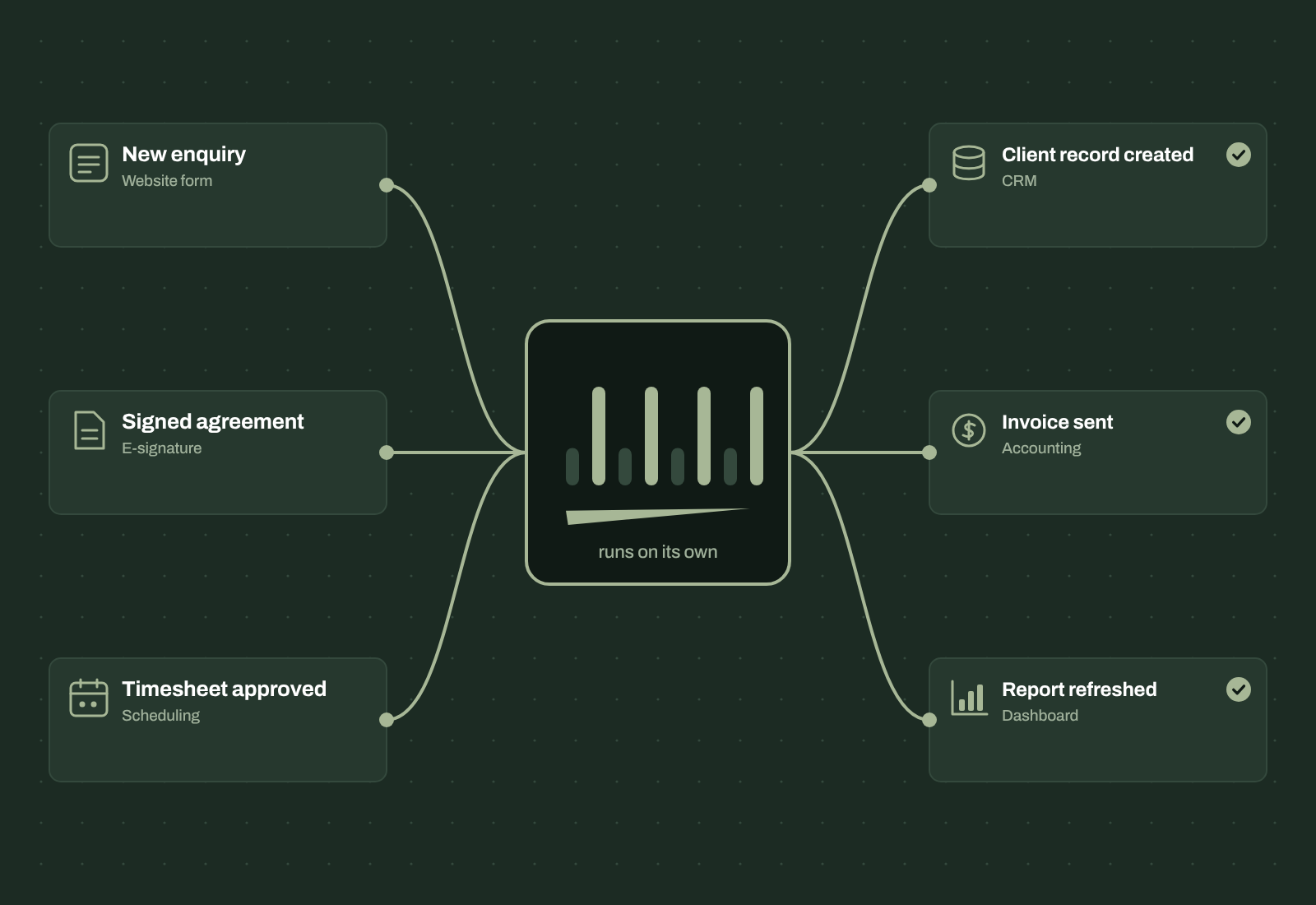
Where the hours go
Most teams do not have a people problem or a software problem. They have a gap problem: the work that falls between tools and between teams.
The same data, typed three times
A client signs, and someone copies their details into the CRM, the accounting tool and a spreadsheet. We connect the tools so it is entered once. Systems integration
Work that waits in an inbox
Approvals, handoffs and follow-ups depend on someone remembering. We turn them into workflows that move on their own and flag what is stuck. Workflow automation
Numbers nobody trusts
Every report starts with an export and an argument about which figure is right. We build one set of numbers that updates itself. Reporting and dashboards
What we solve
Workflow automation
Turn repeated steps into workflows that run on their own and flag what needs a person.
Systems integration
Connect your tools so information is entered once and is right everywhere.
Process mapping and design
See how work really moves, then make it simpler before anything is automated.
Reporting and dashboards
One set of numbers that updates itself and that everyone trusts.
AI in operations
Put AI on the reading, drafting and sorting, with a person approving what matters.
Systems audit
Not sure where to start? Get a map of how work moves today and a ranked list of what to fix.
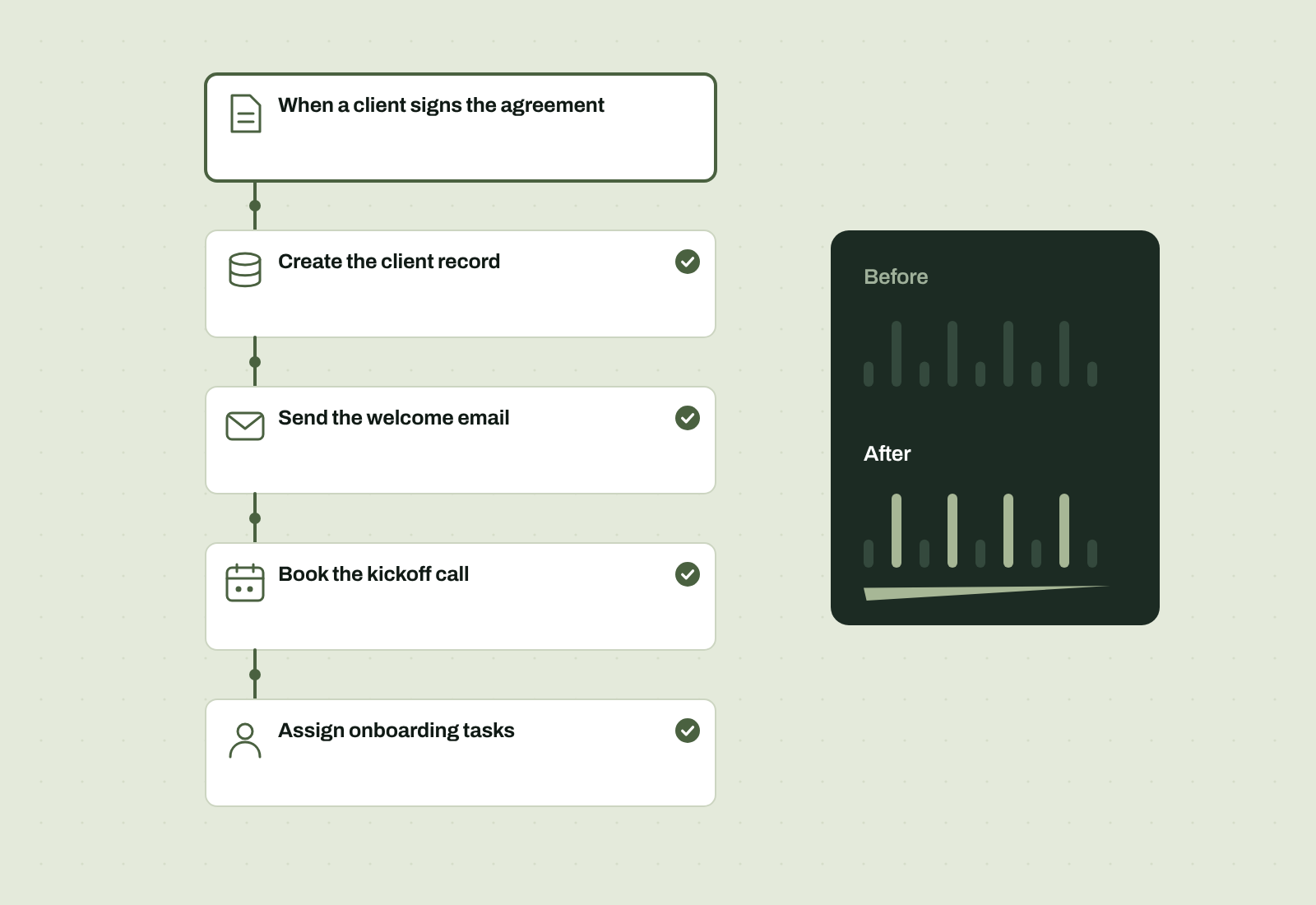
Run operations the way good software teams ship
DevOps taught software teams to stop relying on heroics: write the process down, automate the repeatable parts and watch for failures before customers notice. The same discipline works for onboarding a client or closing the month.
Written down. Every workflow is mapped and documented, so it does not live in one person’s head.
Automated. Repeatable steps run on their own. People handle the judgement calls.
Monitored. When a step fails or stalls, someone is told the same day, not at month end.
How an engagement runs
Four stages, in order. Each one ends with something you can use, whether or not you go on to the next.
Audit
We sit with the people doing the work and trace how it moves: every tool, handoff and workaround.
Map
You get a plain-language map of each workflow and a ranked list of what to fix first, with the effort for each.
Build
We automate and connect one workflow at a time, test it with your team and switch it on only when it holds.
Run
We document everything, train your team and set up alerts, so the system keeps working after we leave.
Built for operators
We work with businesses where the product is a service and the margin lives in how well the work is organised.
Field notes
-
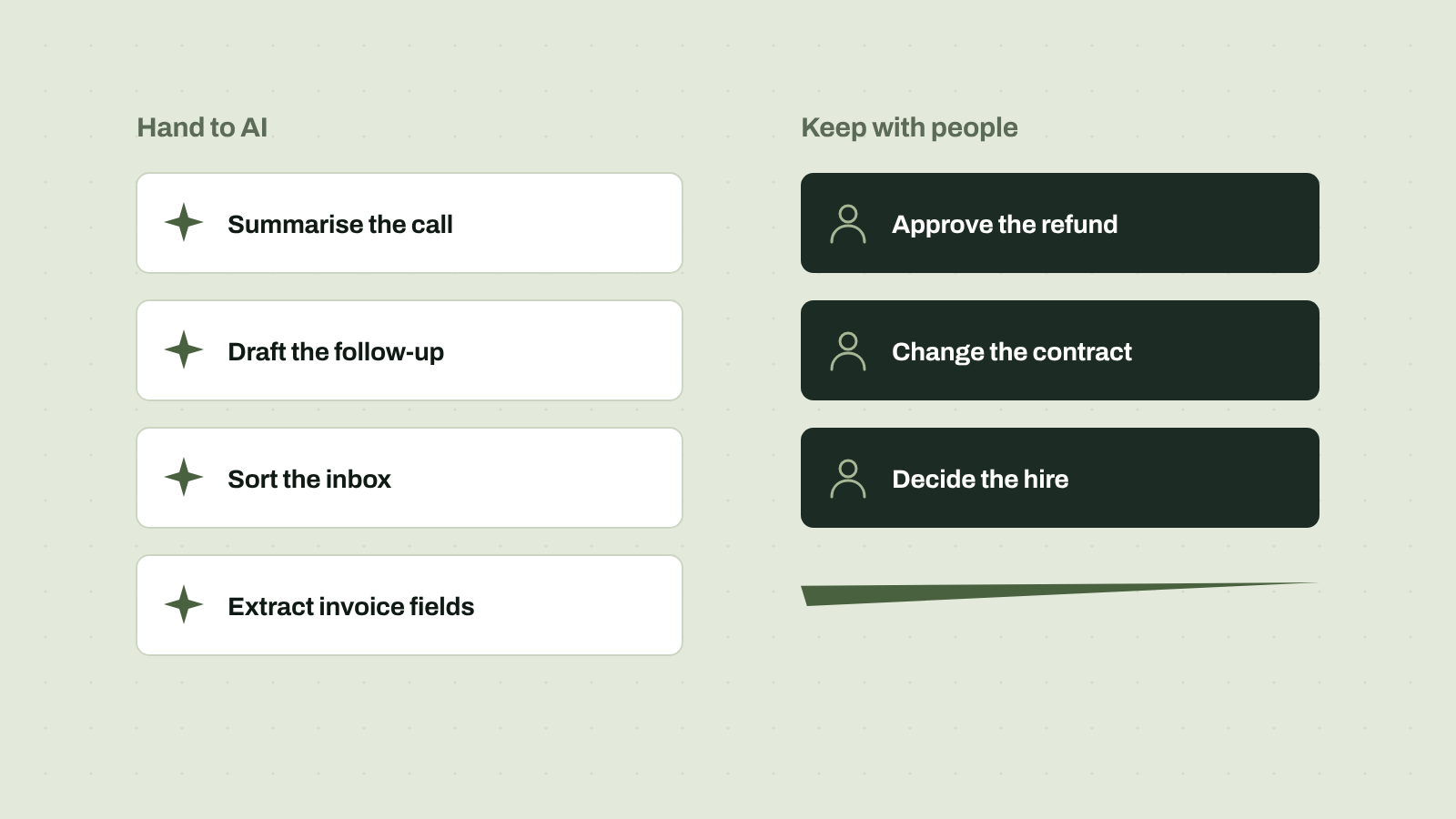
Where AI actually helps in day-to-day operations
The value is not in a chatbot. It is in the reading, summarising, drafting and sorting that fills the working day. What to hand over and…
-
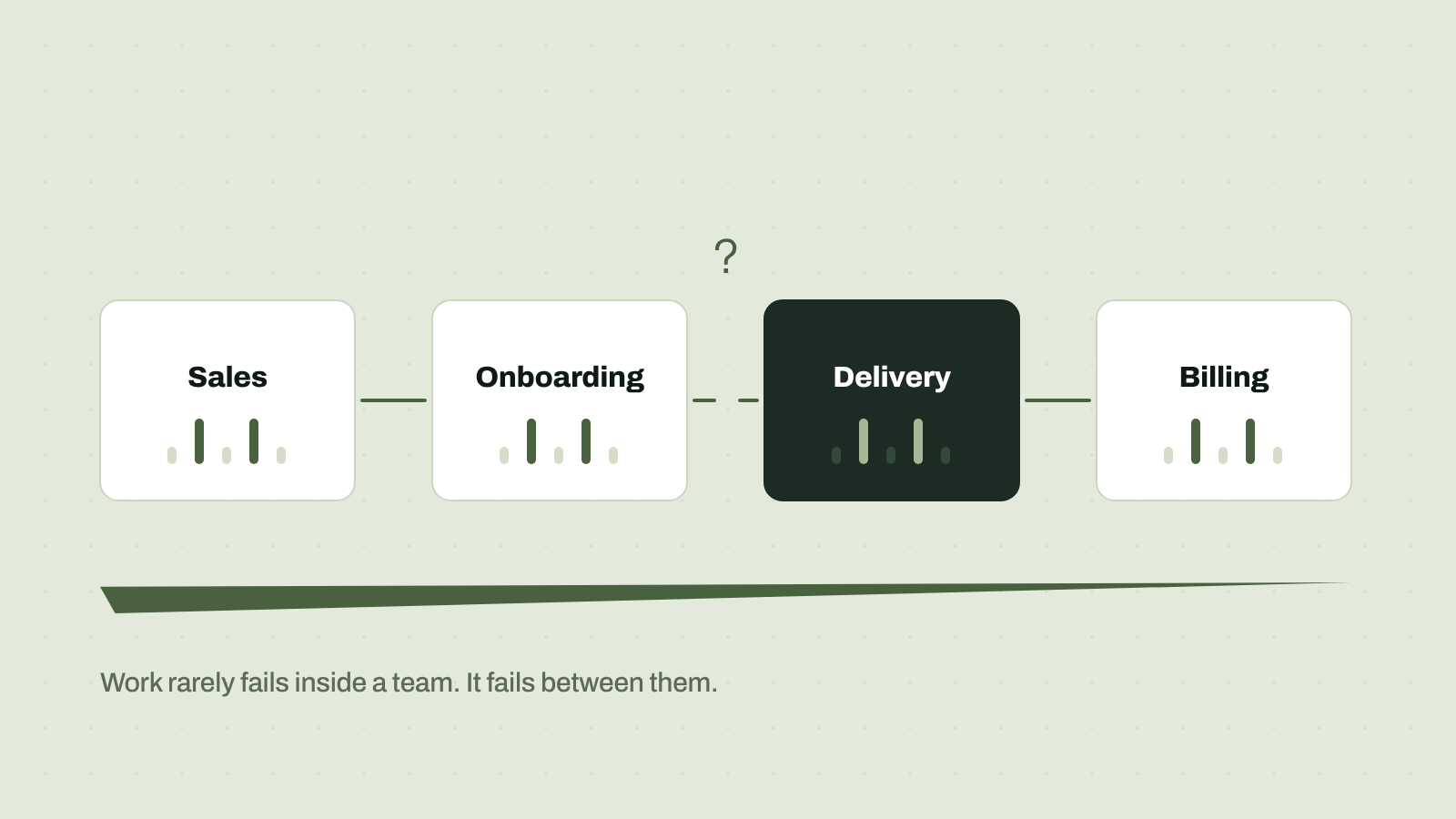
Five handoffs where work goes missing
Work rarely fails inside a team. It fails between teams. The five handoffs that go wrong most often, and how to make each one an event…
-
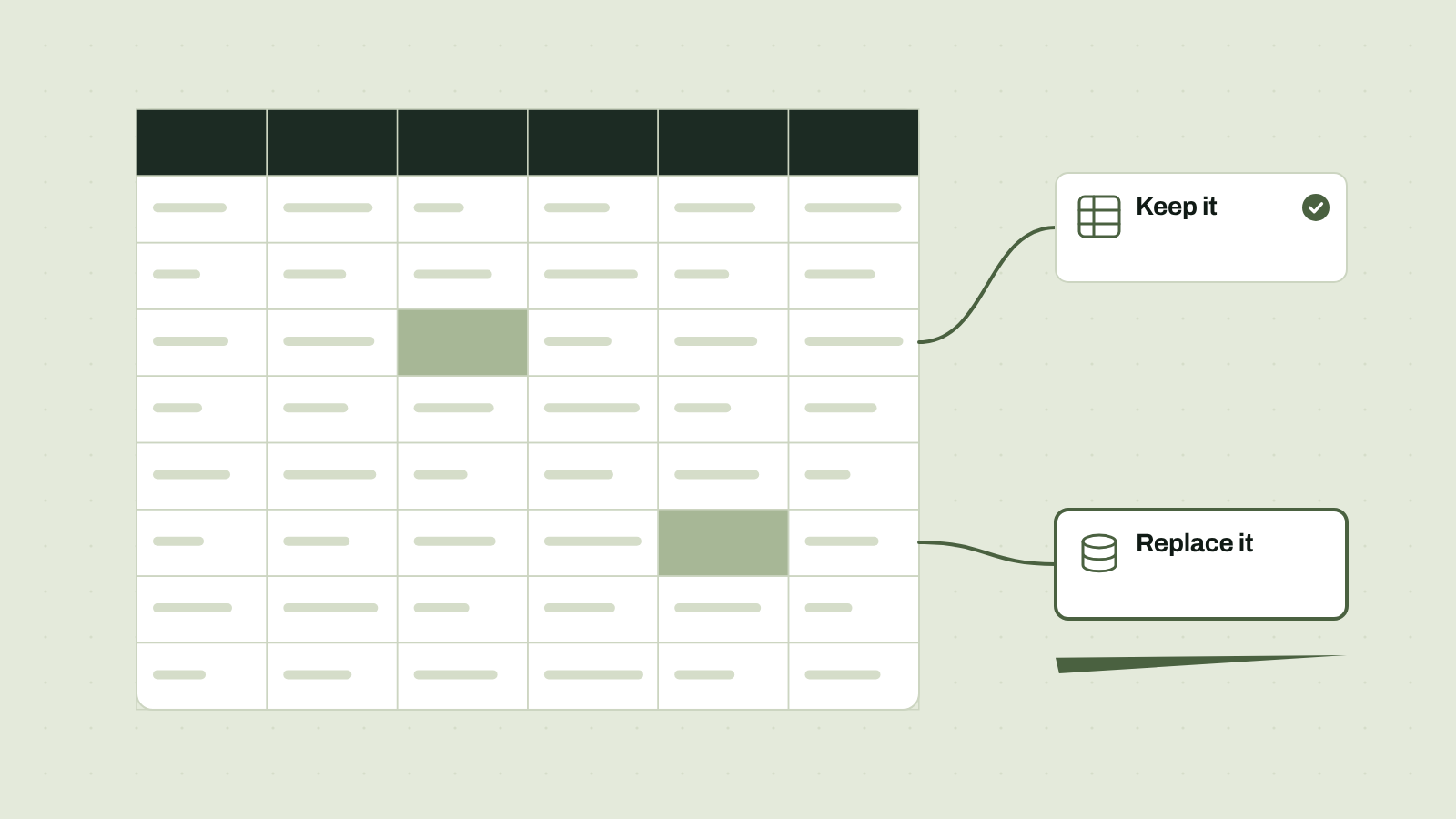
The spreadsheet that runs your business
Every business has one spreadsheet everything depends on. How to tell whether to keep it or replace it, and what to replace it with.
Questions we hear first
What kind of business is this for?
Teams that have grown past the point where memory, inboxes and spreadsheets can hold the business together. Typically that means somewhere between ten and a few hundred people, running on a mix of off-the-shelf tools.
Do we have to replace the tools we already use?
Rarely. Most problems come from the gaps between tools, not the tools themselves. We start by connecting and automating what you have, and only recommend a replacement when a tool is the bottleneck.
Which tools do you work with?
The common ones for CRM, accounting, scheduling, forms, documents and messaging, plus automation platforms such as Zapier, Make and n8n, and custom code where no connector exists. If a tool has an API or an export, we can usually work with it.
How long does a project take?
It depends on the workflow. We scope work in small pieces so the first one is live in weeks, not quarters, and each piece is useful on its own.
What happens after the build?
You own everything: the accounts, the automations and the documentation. We train your team and can stay on to monitor and improve things, but nothing is built so that only we can run it.
Find out where your hours are going
A systems audit maps how work moves through your business today and shows what to fix first.